UX Research · Redesign · Switzerland
Rethinking an existing digital journey.
Between January and April 2026, I worked on UX/UI Design and Innovation for Hango, a Swiss digital application. The assignment involved UX research, reviewing user journeys, designing interfaces and considering their implementation.
- Role
- UX/UI Design & Innovation
- Timeline
- Jan–Apr 2026
- Product
- Existing digital product
- Location
- Switzerland
02 / UX redesign
Hango.ch
Mobile experience
01 / Problem
Where does the experience ask too much of the user?
A redesign starts from existing screens, constraints and habits. The assignment: review selected journeys, find where interactions could be easier to understand and complete, and design the clearer alternative with implementation in view.
02 / Access to the product
Three doors into the existing product.
Three authentic screens show how people enter the product; they are entry points of the existing app, not changes of mine.
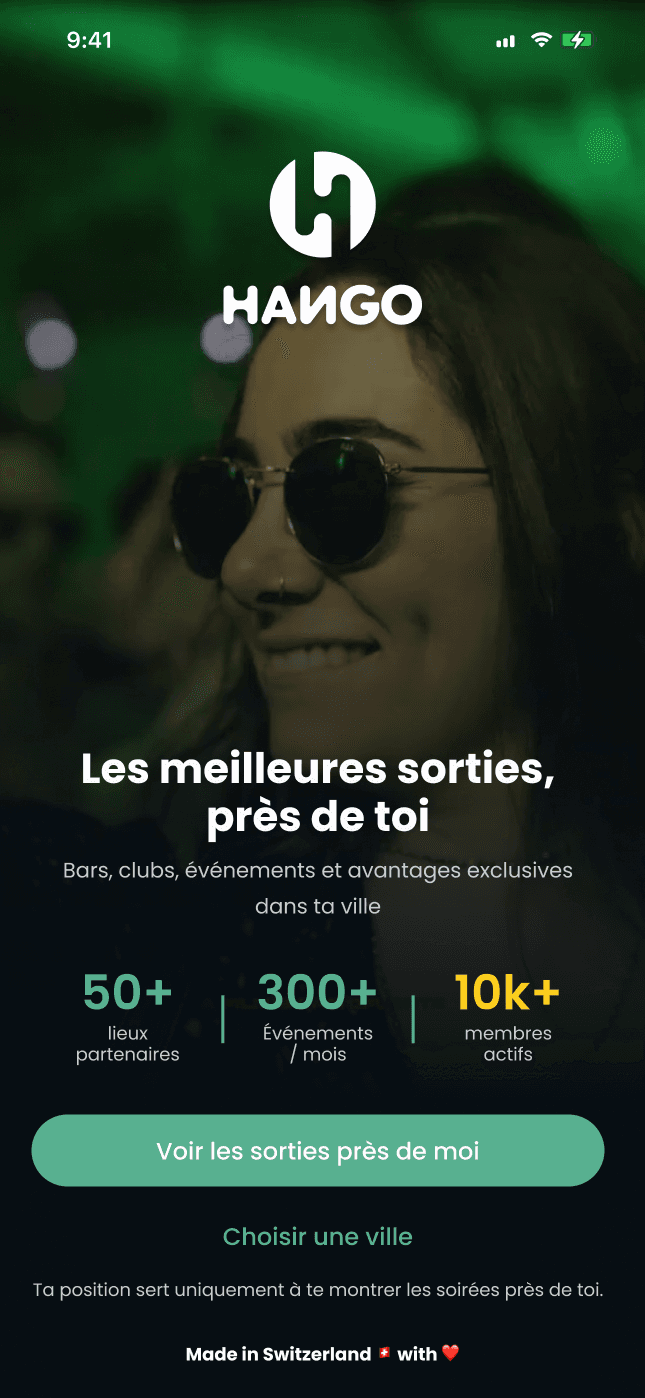
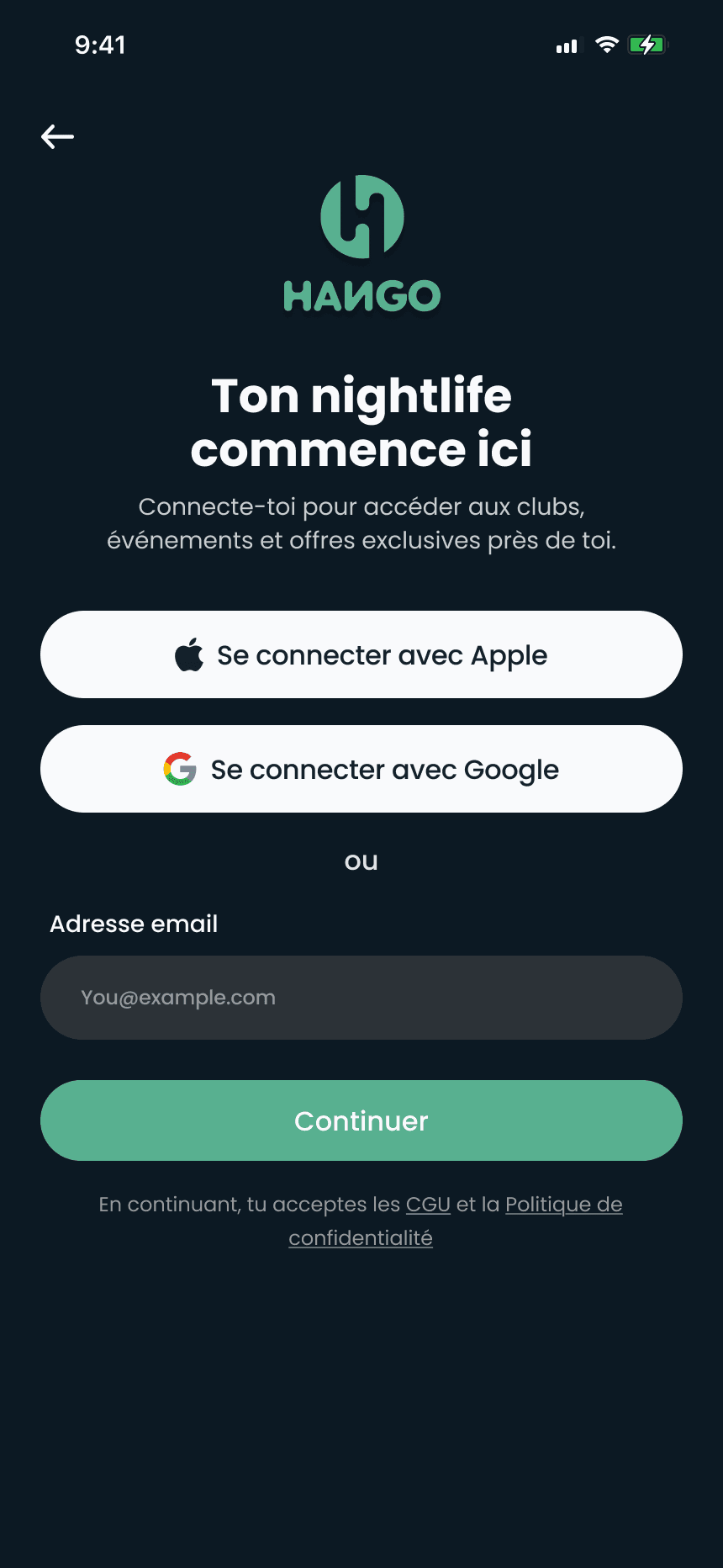
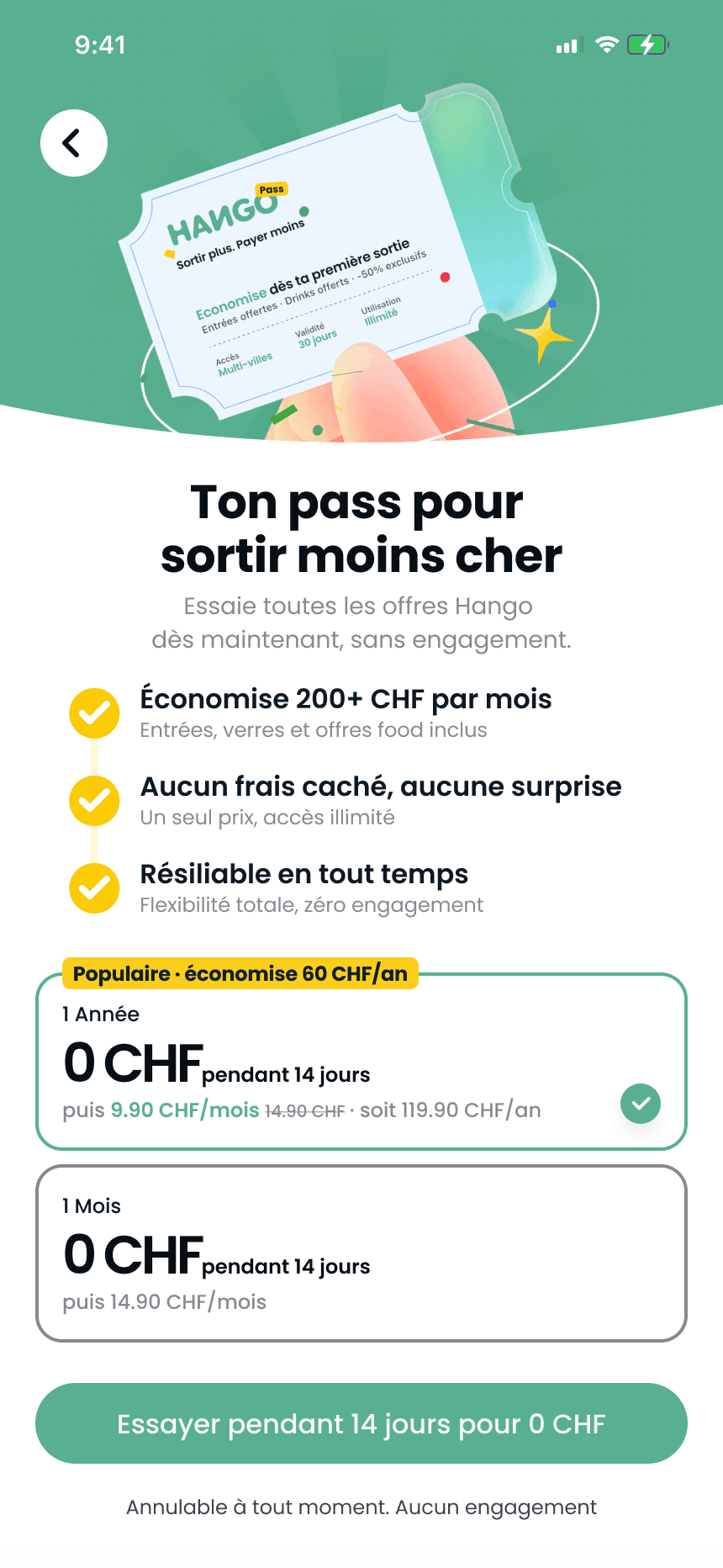
Authentic screens from the project file · prices and figures are the product’s own content.
03 / The journey
Three screens, one sequence.
Three authentic screens frame the sequence the redesign looked at.
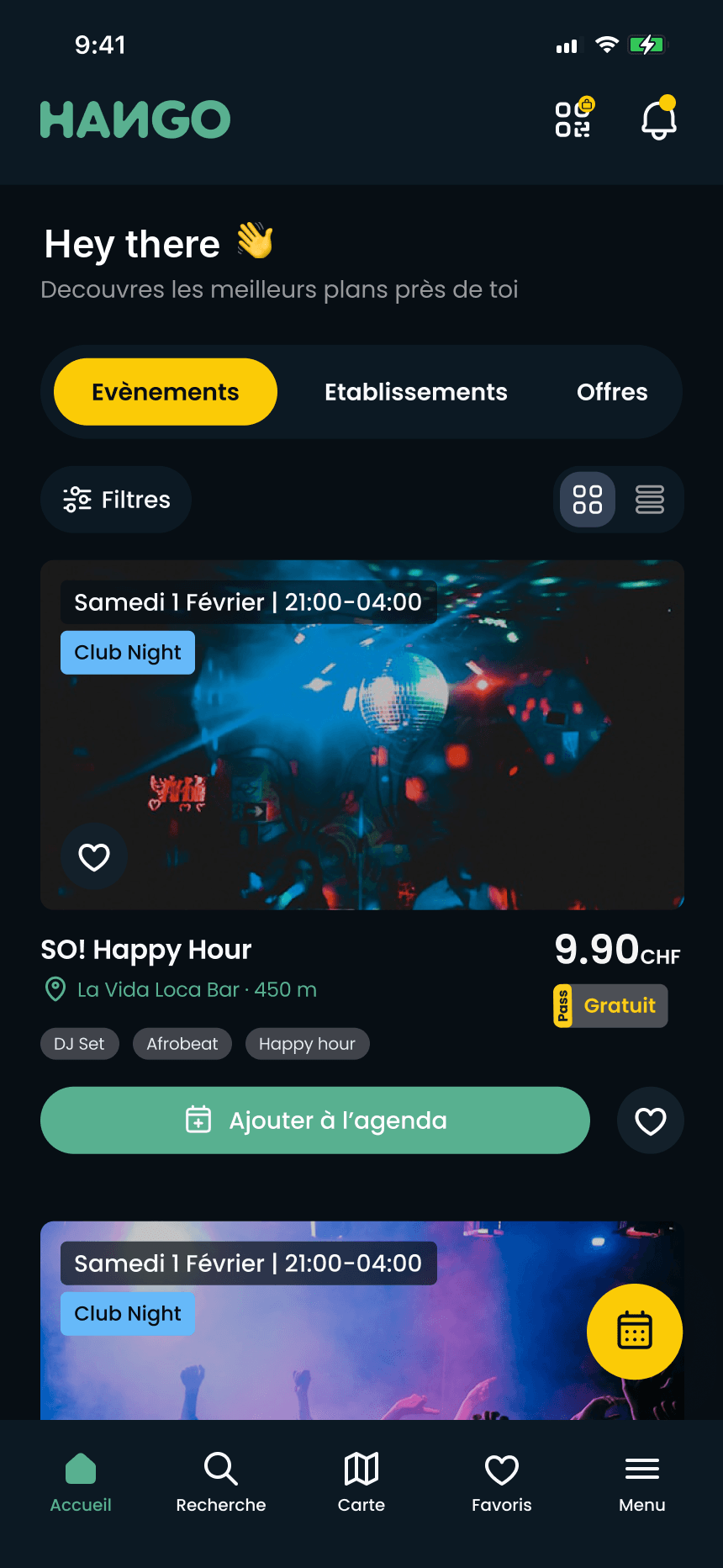
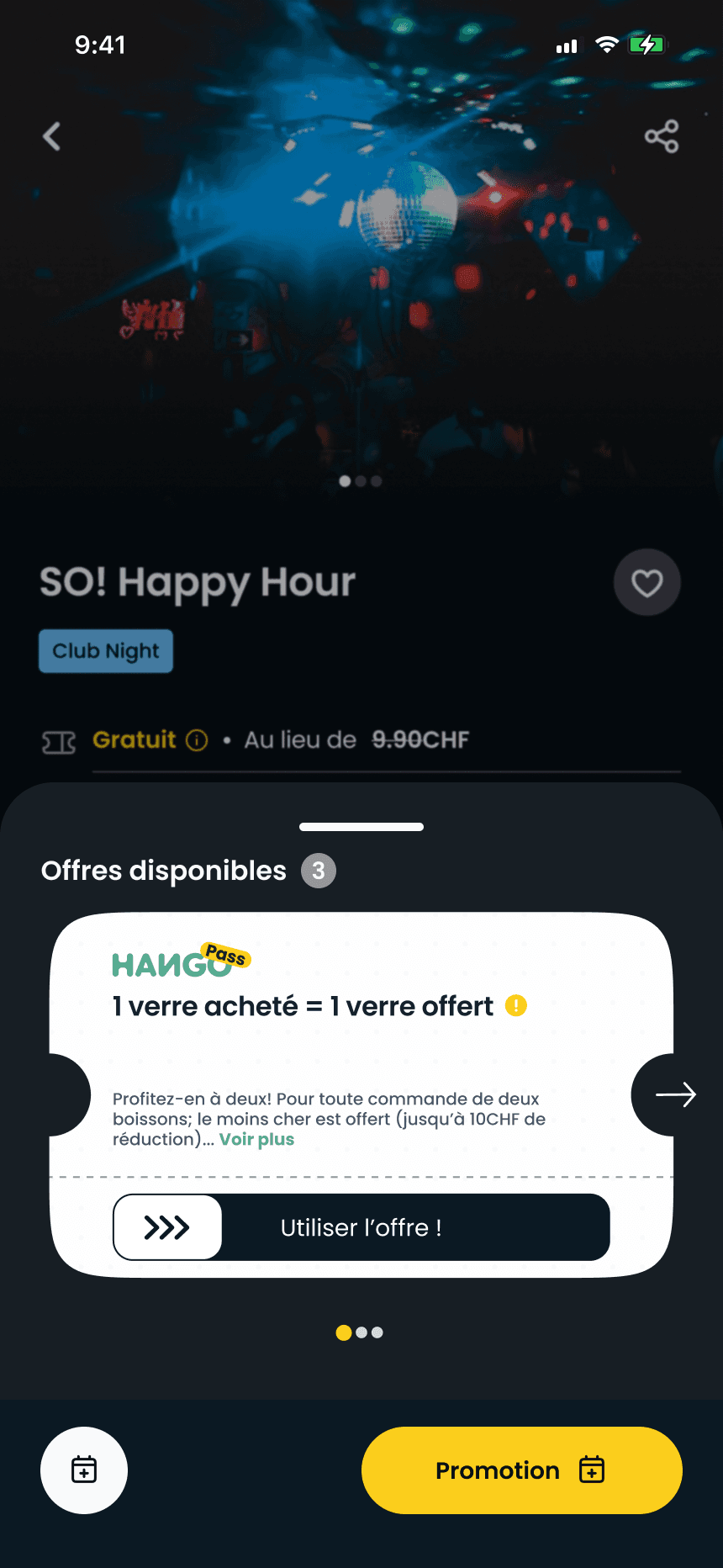
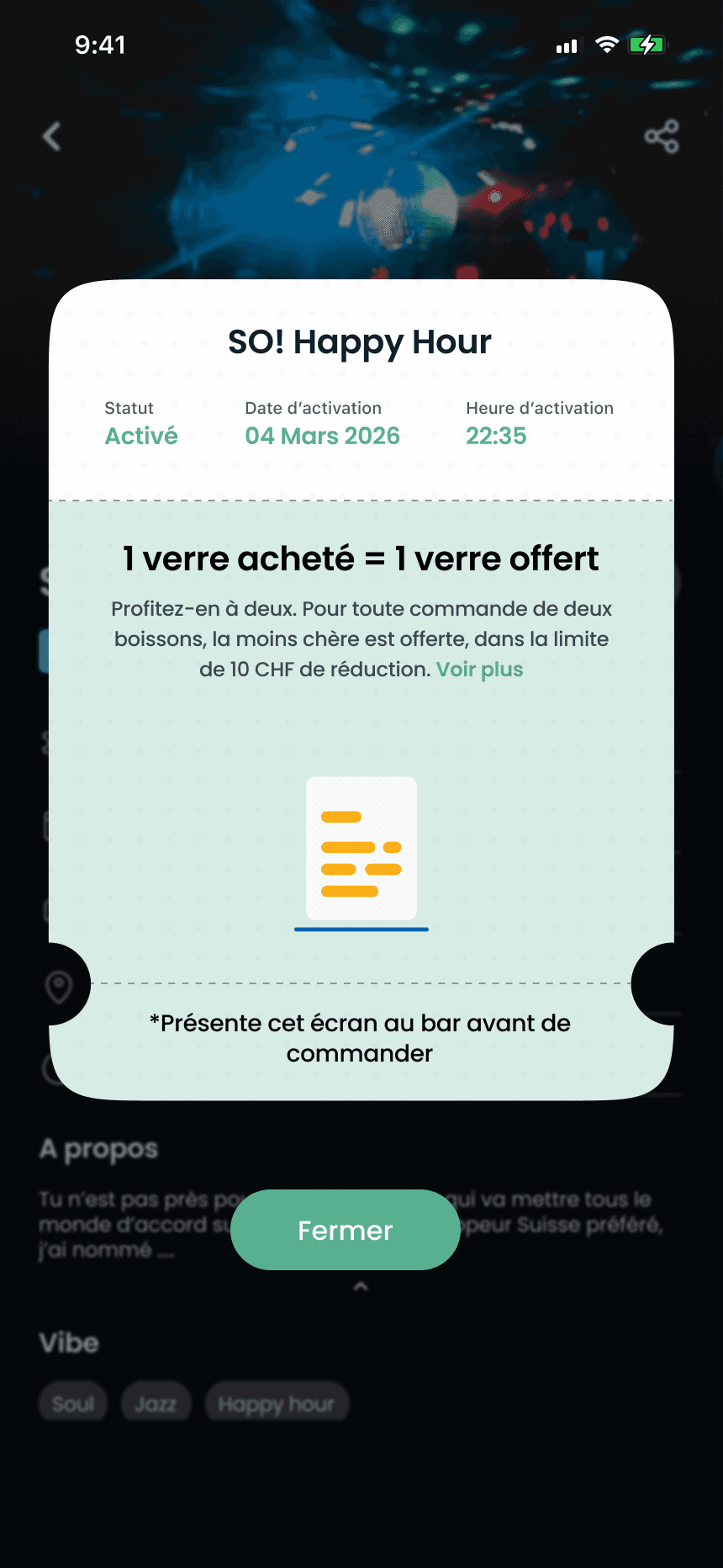
Authentic screens from the design file · the greeting on the first screen is anonymised · no measured result is claimed.
Offers where the decision is made
- Problem
- After opening an event, people must compare its offers without leaving the detail.
- UX principle
- Recognition rather than recall (opens in a new tab) · Nielsen Norman GroupThis screen illustrates the principle: the offers are listed where the choice is made, nothing to remember.
- Design decision
- The existing design keeps the offers in the event detail, one action each.
- Visual evidence
- Screen 02.
- Outcome · status
- Existing product · an observation, not a change of mine.
An activated offer that states its status
- Problem
- At the bar, the person and the staff must see at a glance that the offer is valid.
- UX principle
- Visibility of system status (opens in a new tab) · Nielsen Norman GroupThis screen illustrates the principle: status, time and instruction are the feedback.
- Design decision
- The existing design shows “Activated”, the time, the deal and the instruction.
- Visual evidence
- Screen 03.
- Outcome · status
- Existing product · an observation, not a change of mine.
04 / From thinking to experience
One screen, four levels of intent.
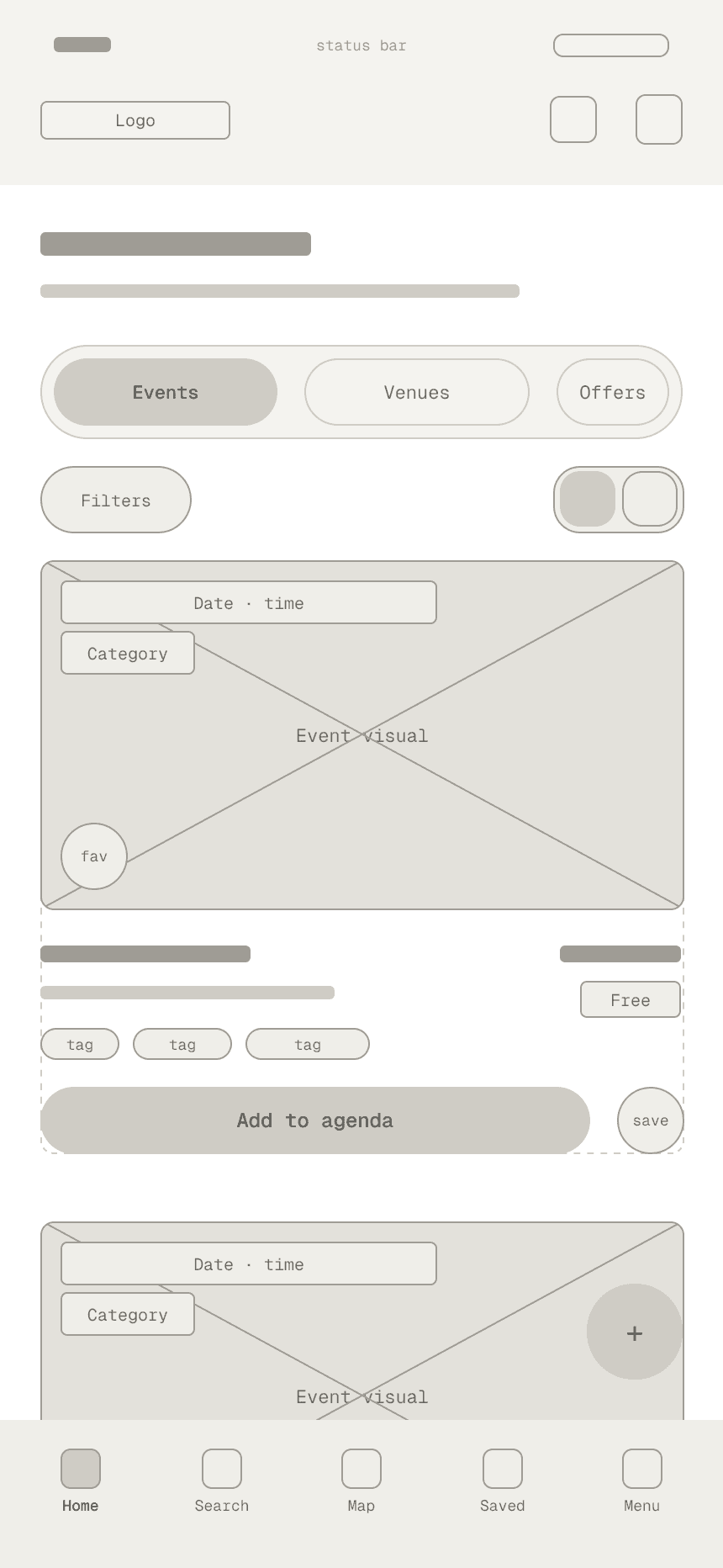
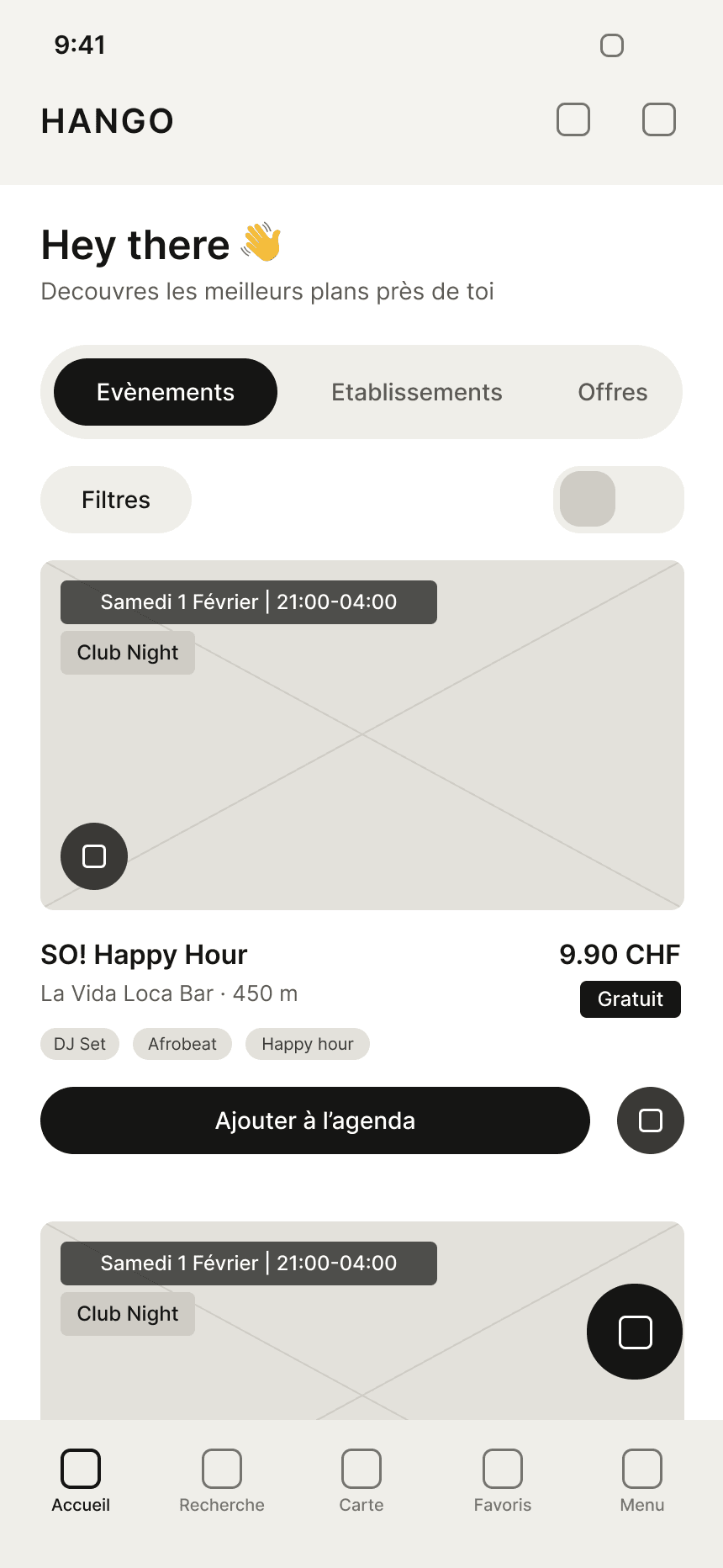
The Discover screen read backwards, from a sketch of its structure to the authentic high-fidelity screen.
Reading guide
Illustrative fidelity reconstruction
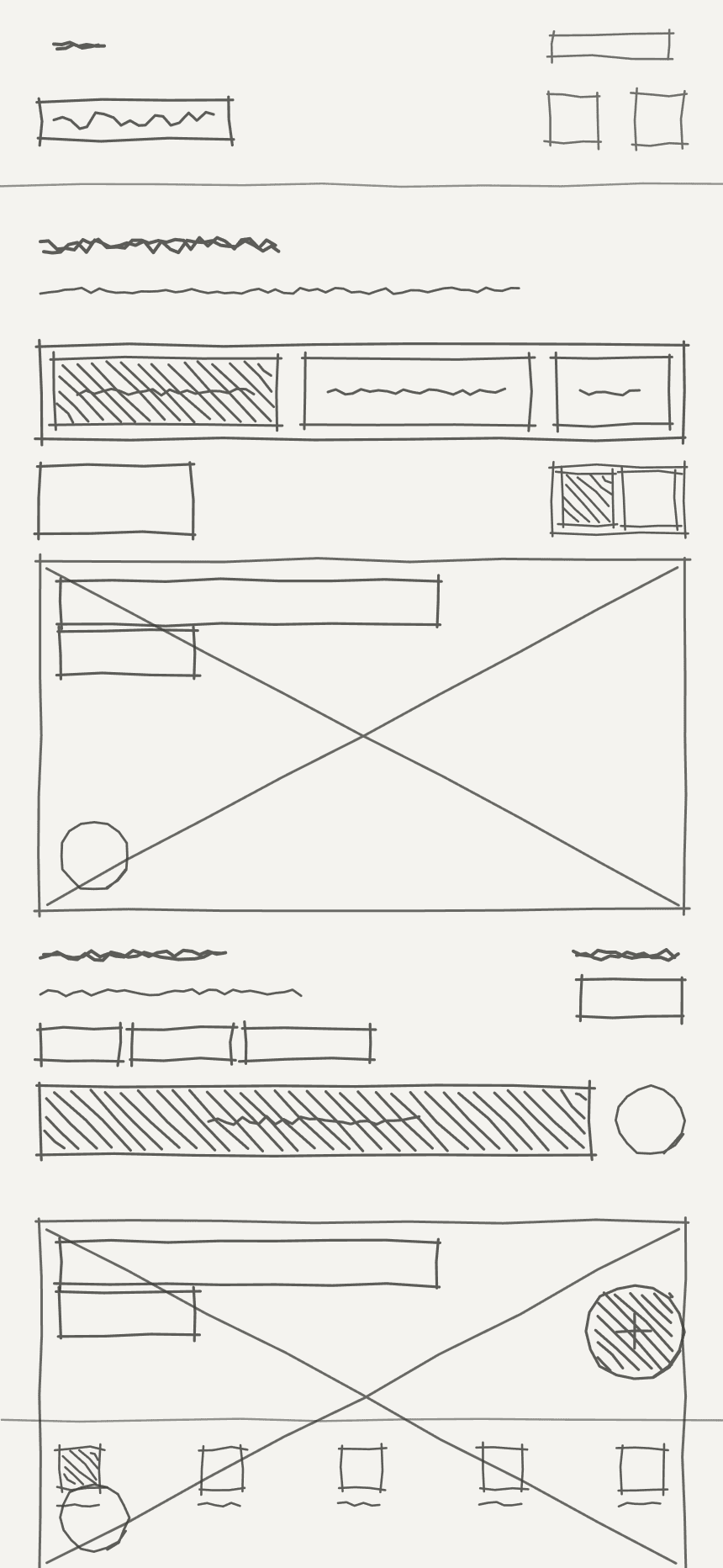
Pedagogical reconstructionStructure and flow
05
Outcome.
Status
06
Reflection.
A redesign is strongest when the team can explain not only what changed, but why.